Hustle Audiences and Automations are here! Use them together to organize contacts around your events, communities, and programs.
Audiences hold the details that matter for each person, like their role, their personal fundraising link, registration status, or an event date. Automations put those details to work. The moment something happens, Hustle can text people, tag them, move them along their message journey, or end it for them.
What’s new
- Audiences let you organize contacts around an event, program, or community, with per-person details attached specific to that Audience. Multiple Audiences can be related to each other using an Audience Category. Audience fields support many data types: text, numbers, dates, times, links, lists, boolean true/false values, and dollar amounts.
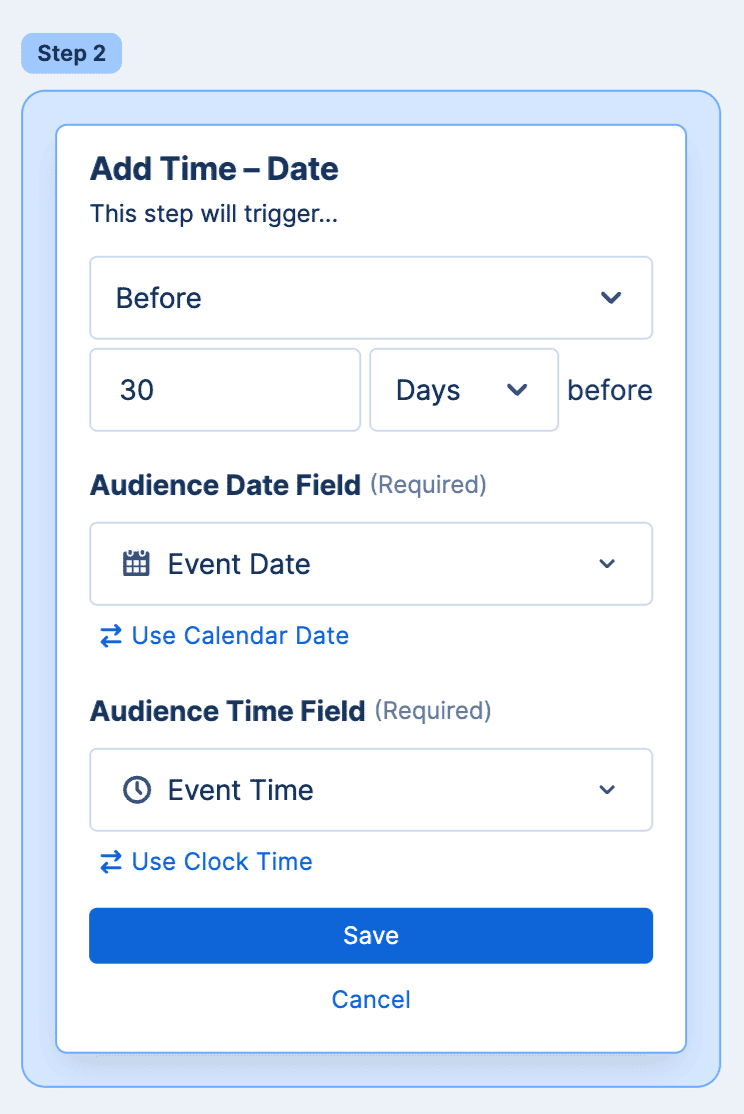
- Automations now include Audience triggers that start an automation the moment someone is added to an Audience; filters, so only the right people are included; and date triggers so automation steps can use Audience field data to schedule messages, like a reminder two days before an event.
- Together, you can remind event participants about upcoming deadlines, welcome new supporters, nudge voters before key dates, and thank donors the moment you record a gift.
What are Hustle Audiences?
An Audience is a contact list built around an event, a community, or a program, like a marathon, a campaign, or a membership. Each person in an Audience carries their own field data that can be used to target and segment audience members or personalize communications with them.
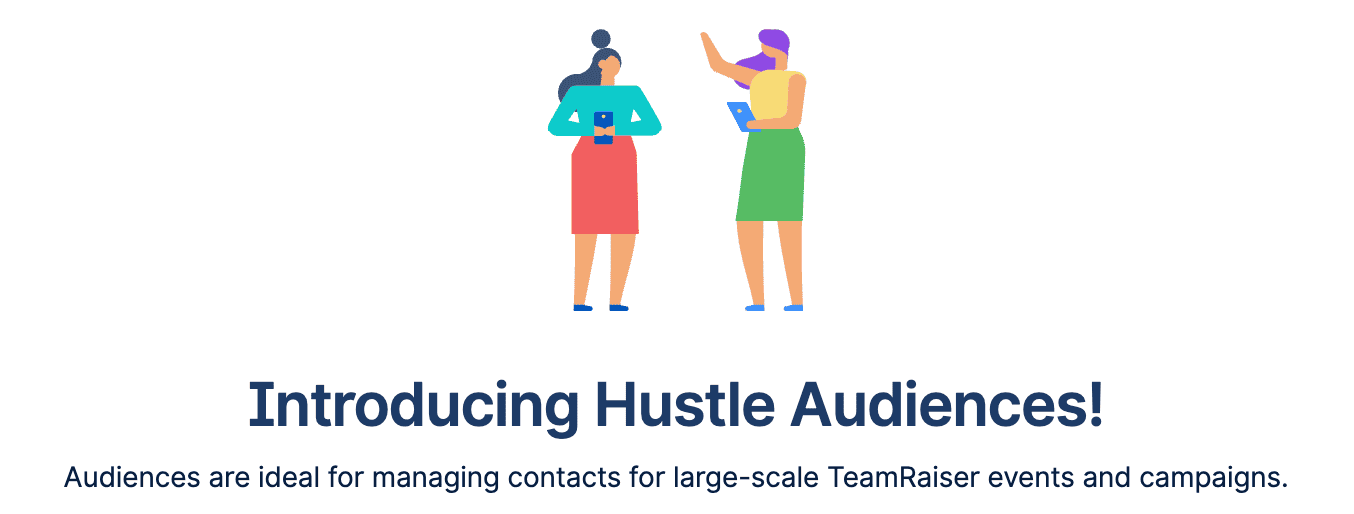
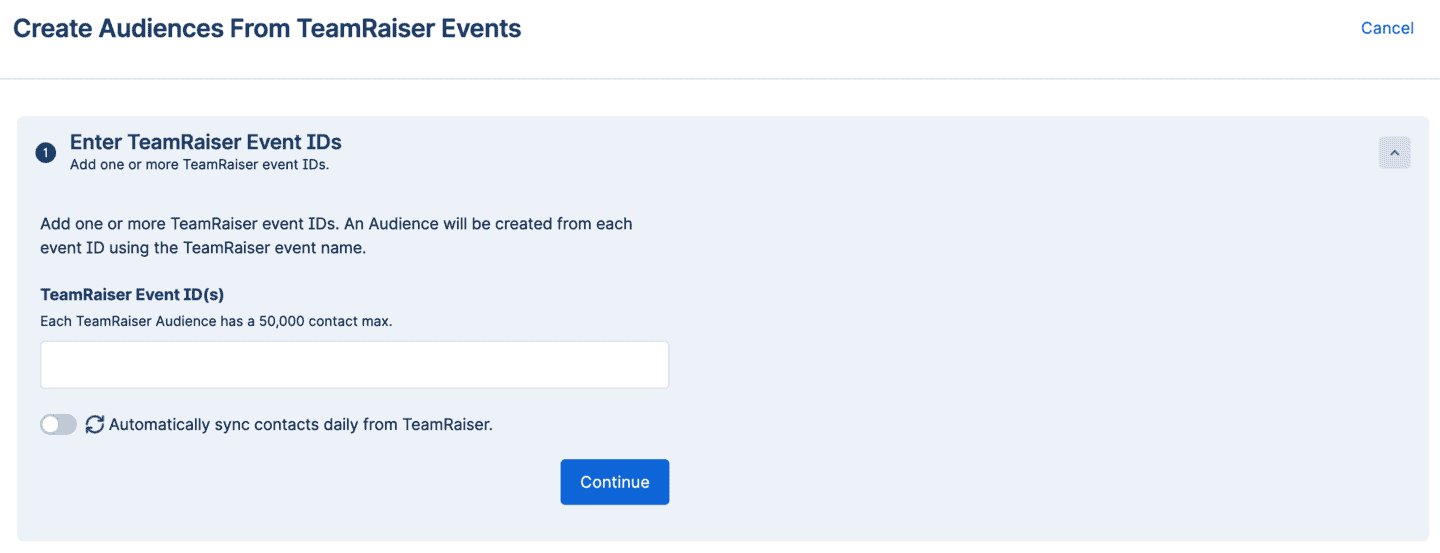
Today, you can build an Audience by uploading a CSV or importing directly from a Blackbaud TeamRaiser event. For TeamRaiser you can turn on a daily automatic sync to keep TeamRaiser Audiences current. A single CSV can also create a separate Audience for each program, like your dedicated volunteers, donors, and prospective supporters.
Unlike custom fields, Audience fields belong to the Audience, not the contact record, so one person can have a different team name or role for each event they register for. You can use those fields in scripts to personalize every message, and choose which ones your agents can see.
Audiences don’t need their own 10DLC campaign or phone numbers, and Audiences built from a CSV have no audience size limit!
Related Audiences live together in an Audience category. A category like “2026 Walk/Run Events” keeps every event in the category tracking the same information, so you can run one automation for all of them instead of rebuilding it for each walk or run.
What are Hustle Automations?
Automations are Hustle’s built-in way to respond to or initiate conversation with your contacts automatically. You build an automation one step at a time, and Hustle runs it for every contact who qualifies.
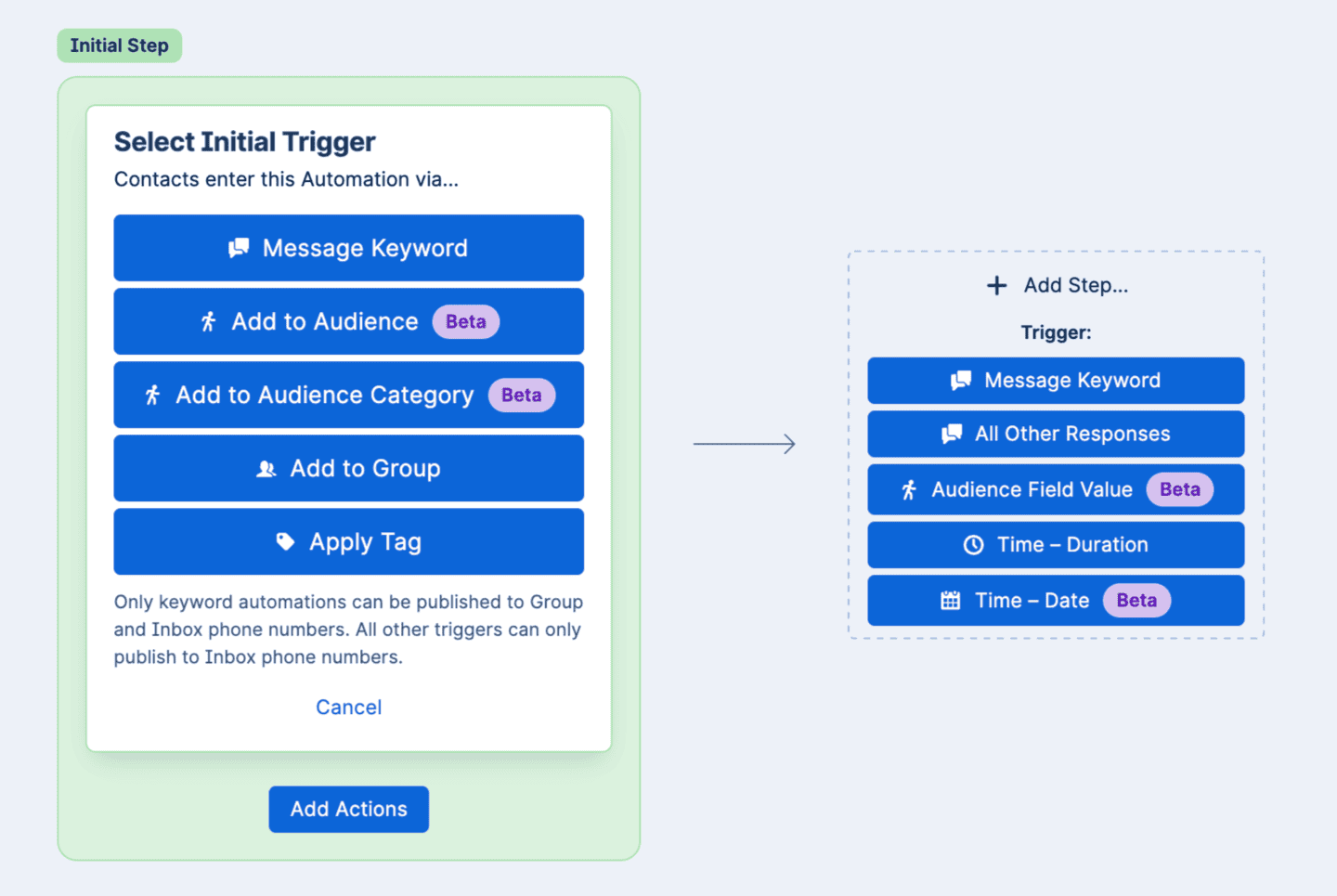
- Start an automation when a keyword is texted in, a tag is applied, or when someone is added to a Group or Audience.
- Apply filters so only the right people continue. Use tags or Audience fields like role, event date, or registration status.
- Each step can send a message, add or remove tags, move people in or out of Groups, or update opt-out status.
- Initiate subsequent steps in your automation right away, after a delay, on a calendar date, or based on an Audience field.
- Exit criteria pulls people out the moment a condition is true, like when a contact is no longer active in a Group or a tag like “Already Donated” is applied.
How do Audiences and Automations work together?
- Kick off an automation the moment someone joins an Audience, several Audiences, or an entire Audience Category, including Audiences you add later.
- Filter on Audience details, so only contacts whose role is “Team Captain” move past the first step.
- Branch or wait on an Audience field further down the automation, for example when a status changes.
- Schedule a step from a date on someone’s Audience record, like a reminder two days before their own event.
- Remove people automatically when they leave an Audience or their details no longer match.
What can you build with Audiences and Automations?
- Text-to-join: a “VOLUNTEER” keyword applies a tag, adds them to a Group, and sends your welcome script. Learn how to use Keywords and Automations for P2P texting
- Event reminders: welcome everyone who joins your Spring 5K Audience with their personal fundraising link, then remind them two days before their event
- Multi-event programs: point one automation at your whole “2026 Walk/Run Events” Audience Category instead of rebuilding it for each walk or run
- Get out the vote: reminders at 8 weeks, 4 weeks, and 1 day out, each with the contact’s own polling place, that stop when you record their vote. From Hustle’s 2026 Text Out the Vote Guide
- Year-end fundraising: a personalized thank-you the moment you record a gift, while donors who gave already drop out of every remaining ask. From Hustle’s 2026 End-of-Year Fundraising Guide
How do I get started?
Add a new automation, choose what starts it, add optional filters, build out the steps and any wait times, set exit criteria, then publish it to the phone numbers you want it to run on. For step-by-step instructions, see How do I use Keywords and Automations? and How do I use Audiences? in the Hustle Help Center or contact your Client Success Manager.
New to Hustle? Book a demo.
Frequently asked questions
What is the difference between an Audience and a Group in Hustle?
A Group holds a specific set of agents who send messages and the contacts who receive them. An Audience is a contact list built around an event or program, with details like a role, a fundraising link, or an event date attached to each person. You can use both at once.
Can one automation apply to more than one Audience?
Yes. List several audiences on its trigger, or point it at an entire Audience Category so it also covers any audience added to that category later.
Do I need a keyword or Group for an Audience-triggered automation?
No. Joining an Audience or an Audience Category is its own way to start an automation, and it doesn’t need a keyword or Group alongside it.
Is an Automation the same as a Goal?
No. Automations are event-triggered journeys that run continuously in the background. Broadcast and Dialer Goals are separate, campaign-style sends you launch yourself.